

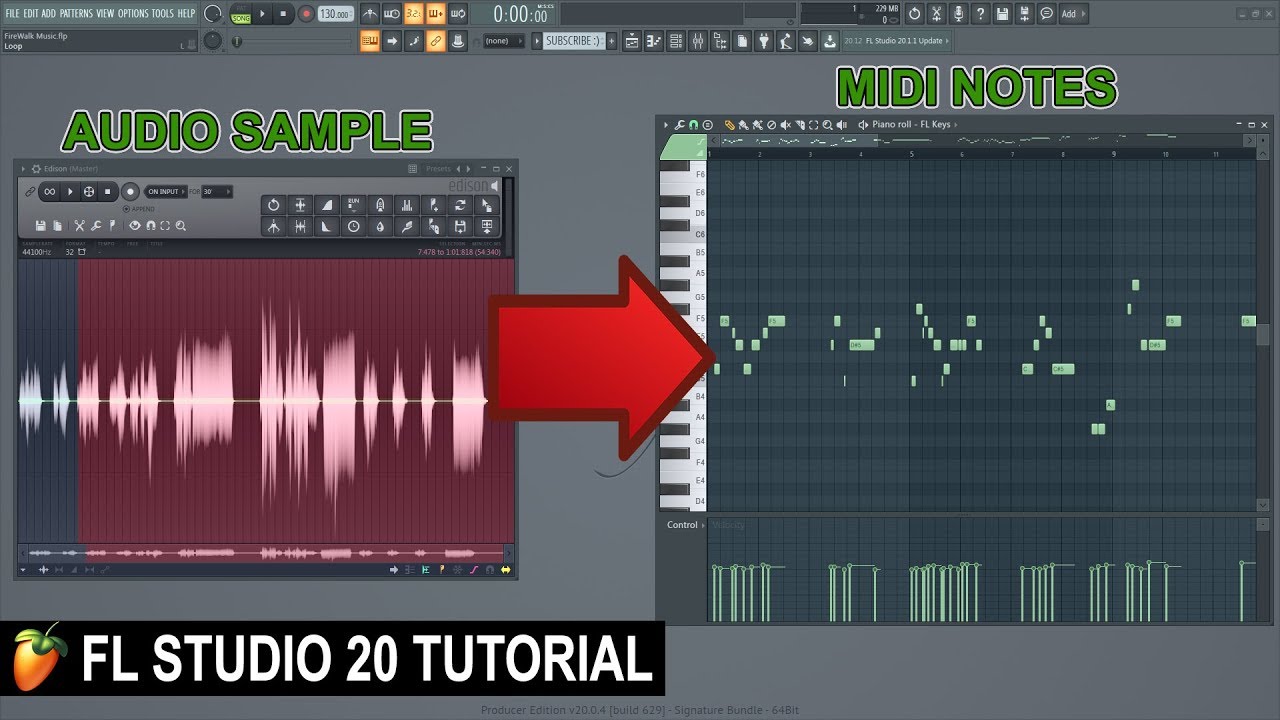
This tutorial will show you how to convert an audio sample into midi notes in FL Studio. This is a quick and simple way to find the notes of any sample.
This can be very useful if you are struggling to find the key of a vocal for example, or making chords or leads that fit the vocal.
This obviously works best on samples that has a certain tonality to them, such as synths, vocals and such.
This is a quick and easy way to get the notes from any sample.
* You can also use Newtone to do this.
Important note: In older versions of FL Studio there is a bug in Edison that can cause this operation to crash FL Studio when using very long samples. If this happens then try to use a shorter audio sample, or install the newest version of FL Studio. Image-line is constantly working on fixing bugs in the software.
Did you like this video? You can help us make more videos like this by supporting us on Patreon:
You can also support this channel by donating to our paypal account: firewalk@mimer.no
Do you need professional feedback on your track? Check out my gig on Fiverr:
Need professional mastering for your track? Check out my mastering gig on Fiverr:
Follow FireWalk on social media:
Other inquiries?
Contact me: firewalk.official@gmail.com


0 Comments